SpriteForge — Pixel Art & Sprite Editor
Draw, edit and export pixel art without installing a full creative suite.
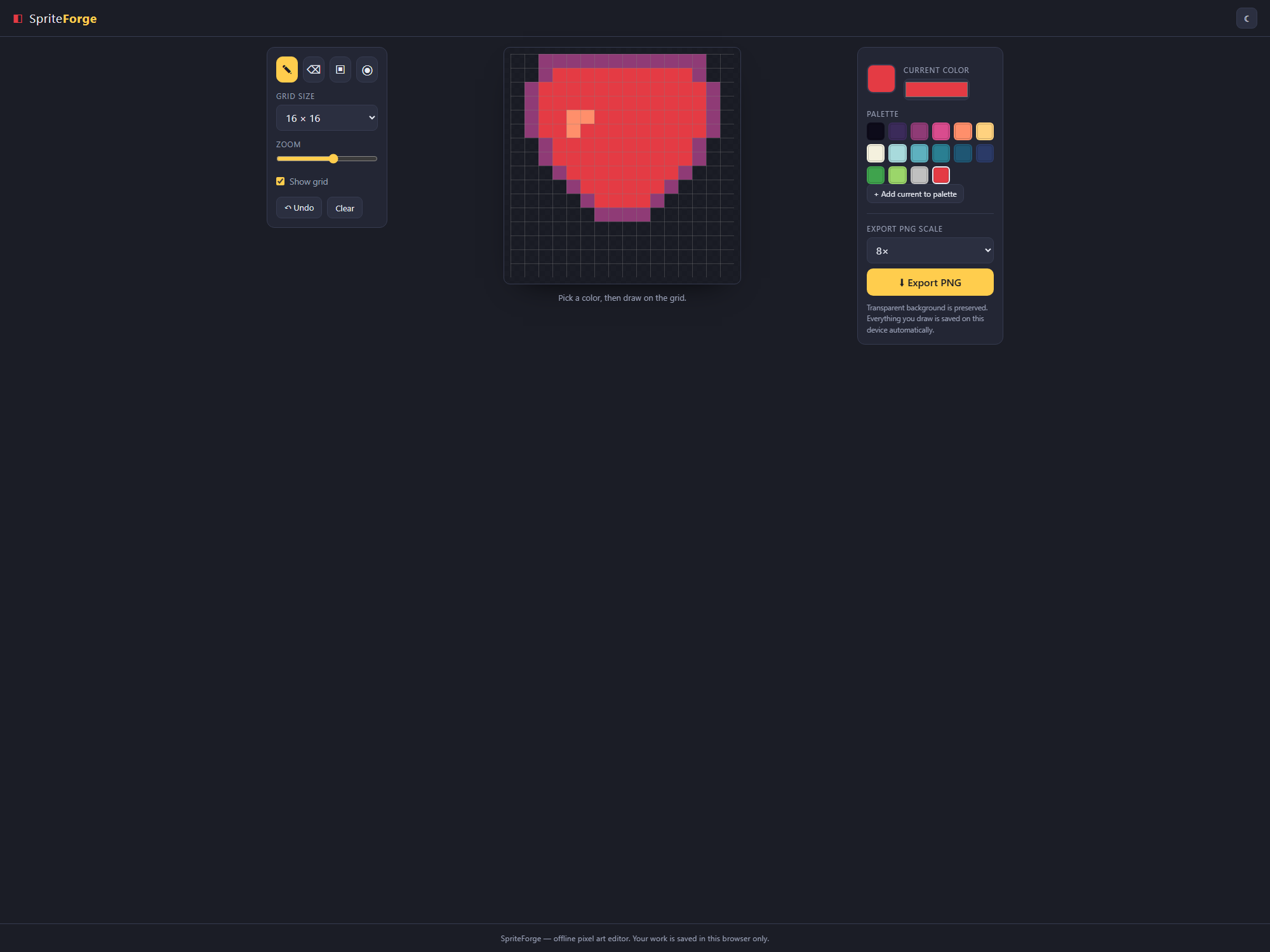
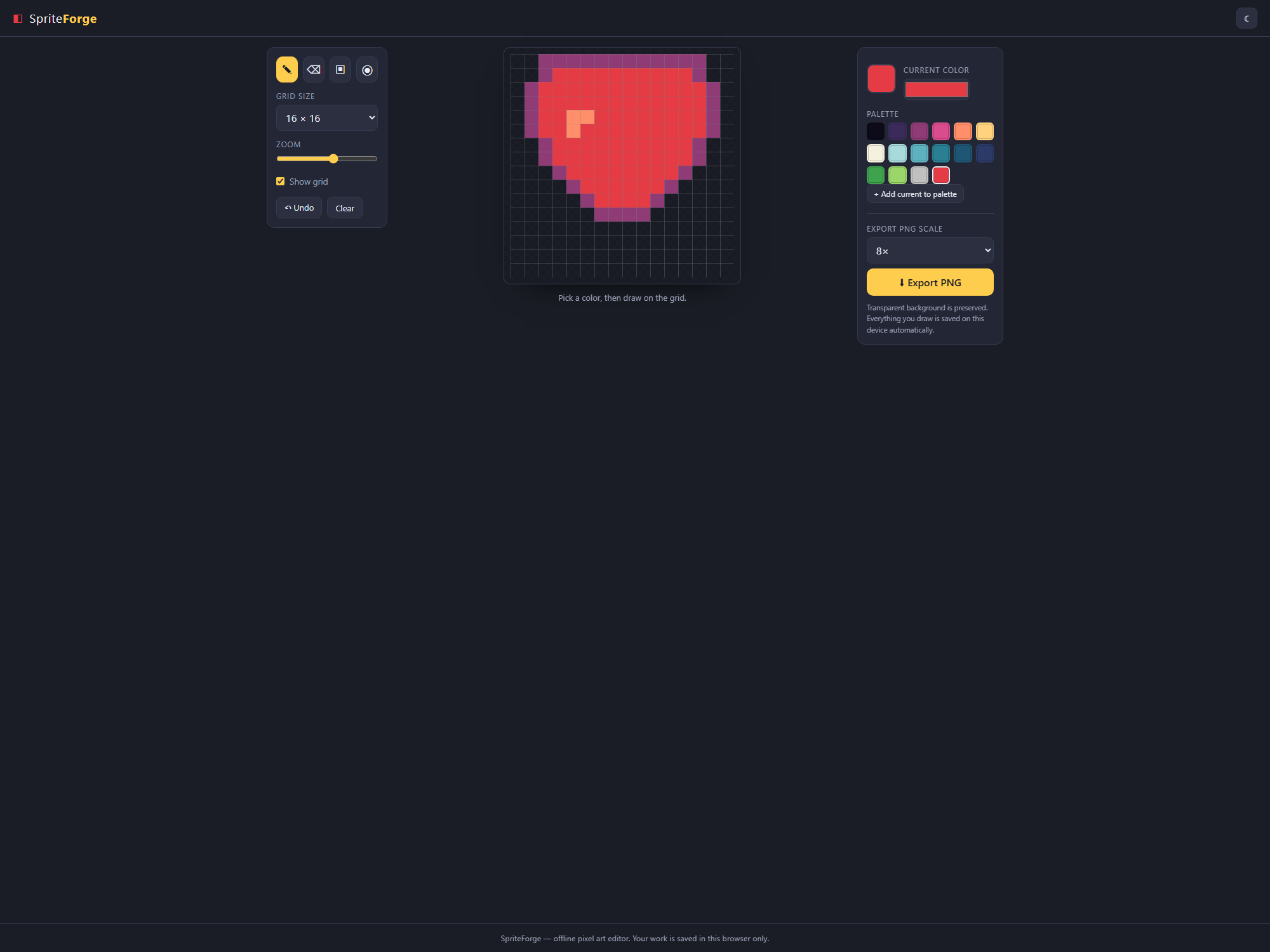
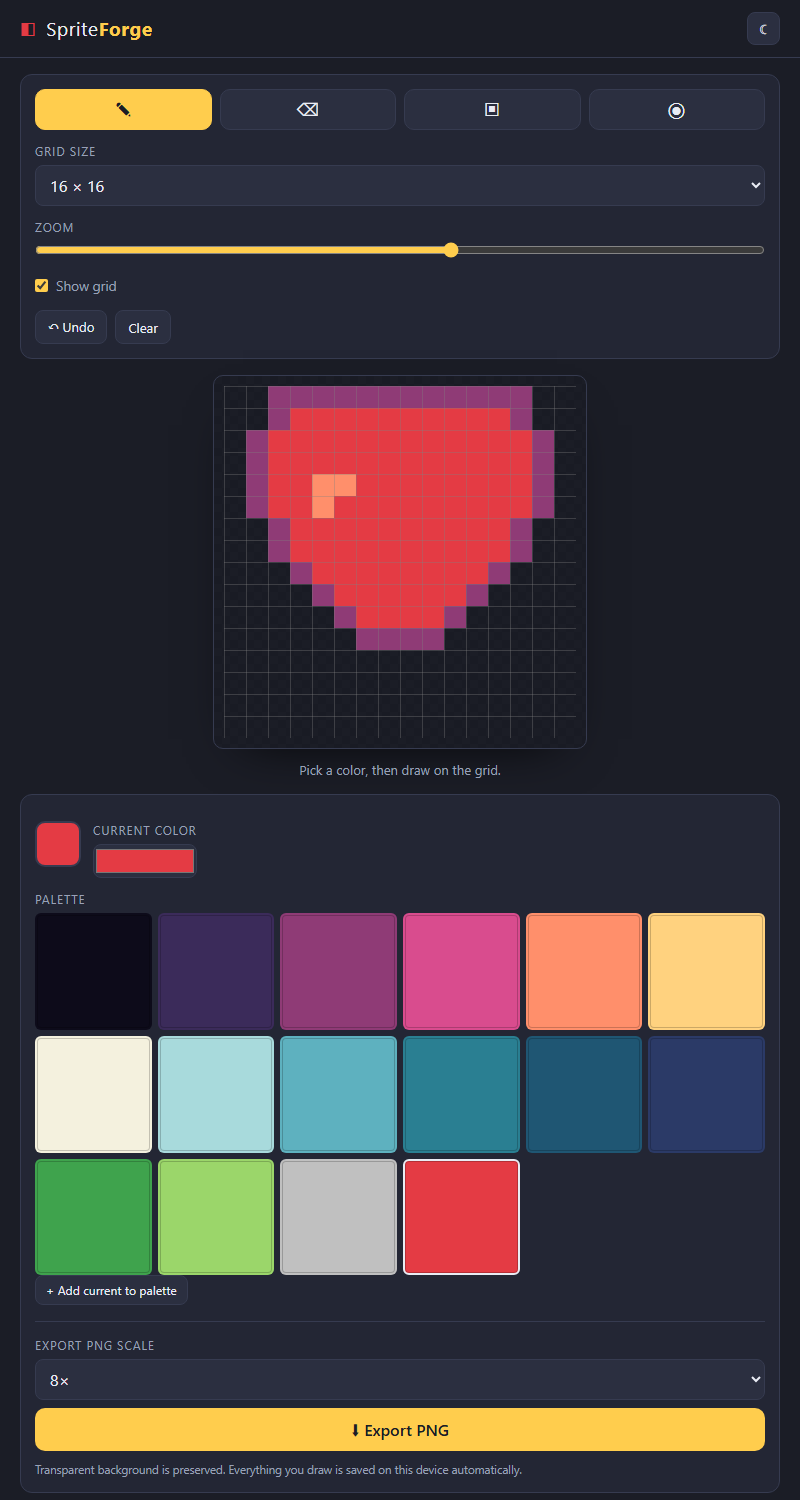
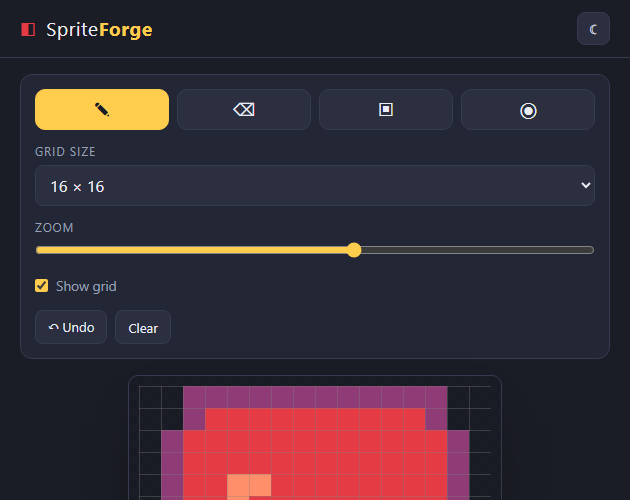
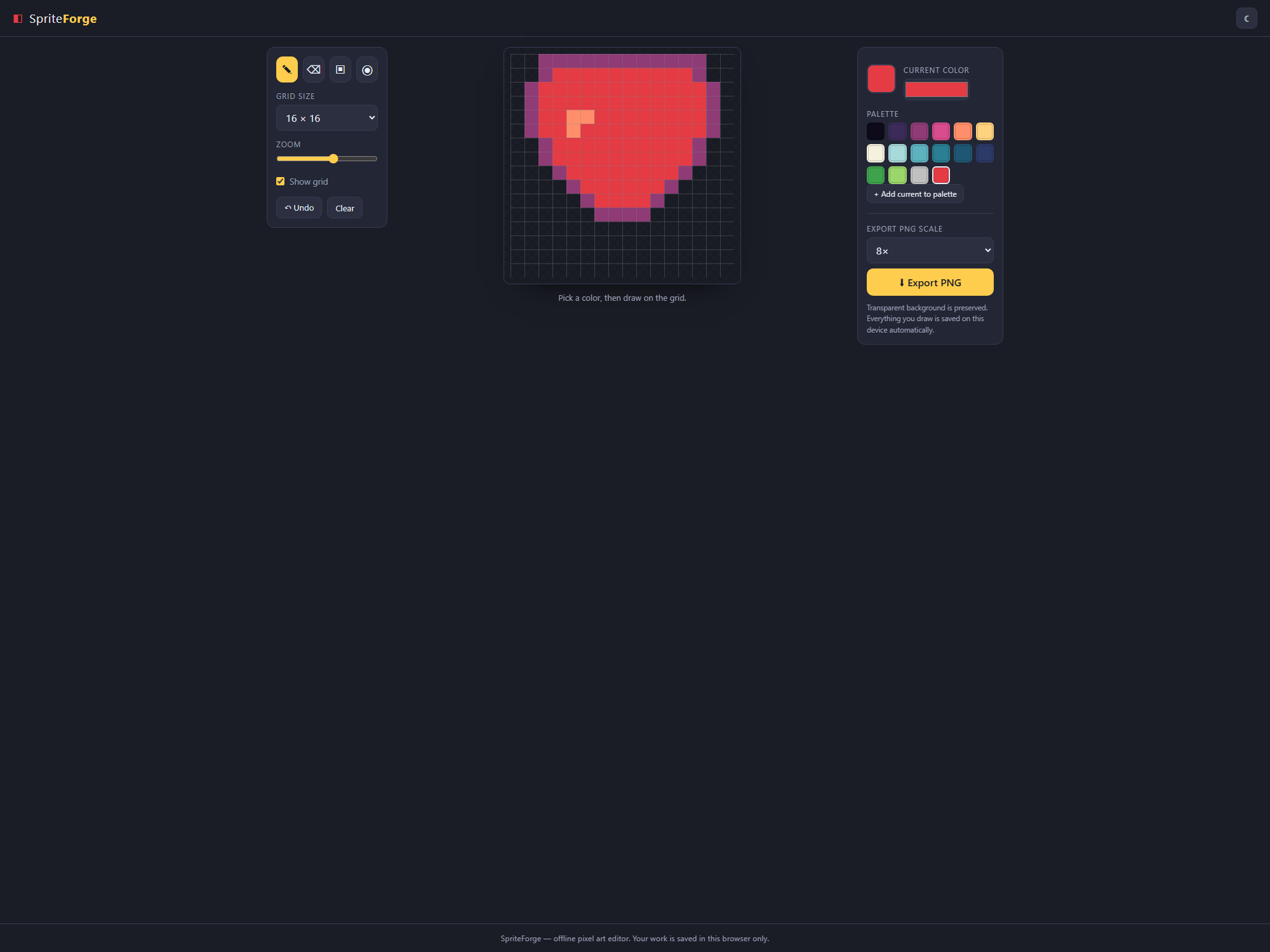
SpriteForge is a lightweight offline pixel-art and sprite editor you own. Open one file and start drawing—ideal for game jams, rapid prototypes, teaching and last-minute sprite fixes.
WHAT YOU GET
• Canvas sizes of 8×8, 16×16, 32×32 and 64×64
• Pencil, eraser, fill bucket and eyedropper tools
• Editable retro palette plus a full color picker
• Zoom, toggleable grid and multi-step undo
• Pixel-perfect PNG export at 1×, 8×, 16× and 32×
• Transparent backgrounds preserved
• Light and dark themes with browser autosave
Export clean PNG sprites ready for Unity, Godot, GameMaker or the web. Nothing is uploaded, and no account or subscription is required. SpriteForge is a drawing tool, not a premade asset pack.SpriteForge is a lightweight pixel art and sprite editor you own — no install, no account, no subscription. Open one file and start drawing. Perfect for game jams, prototyping, teaching, and quick sprite fixes.
WHAT YOU GET
- Grid sizes 8, 16, 32, 64. Pencil, Eraser, Fill bucket, Eyedropper (shortcuts B/E/G/I). Editable retro palette + full color picker. Zoom, toggleable grid, multi-step Undo. One-click PNG export at 1x, 8x, 16x, 32x — pixel-perfect, transparency preserved. Light and dark theme. Autosaves in your browser.
Export clean, transparent PNGs ready for Unity, Godot, GameMaker or the web. Everything stays on your device — nothing is uploaded. Buy once, use forever. Change the default palette in one array at the top of script.js. Note: this is a standalone drawing tool, not an art asset pack.
Purchase
In order to download this tool you must purchase it at or above the minimum price of $5.99 USD. You will get access to the following files:
Development log
- SpriteForge: a focused offline pixel-art editor30 days ago
Leave a comment
Log in with itch.io to leave a comment.